
To save a video or article:
- Open the content you want to save.

- Tap the star icon in the top-right corner.

- Tap the star again if you want to remove it from your favorites.
- To view all your saved content:
- Go to the Me tab.
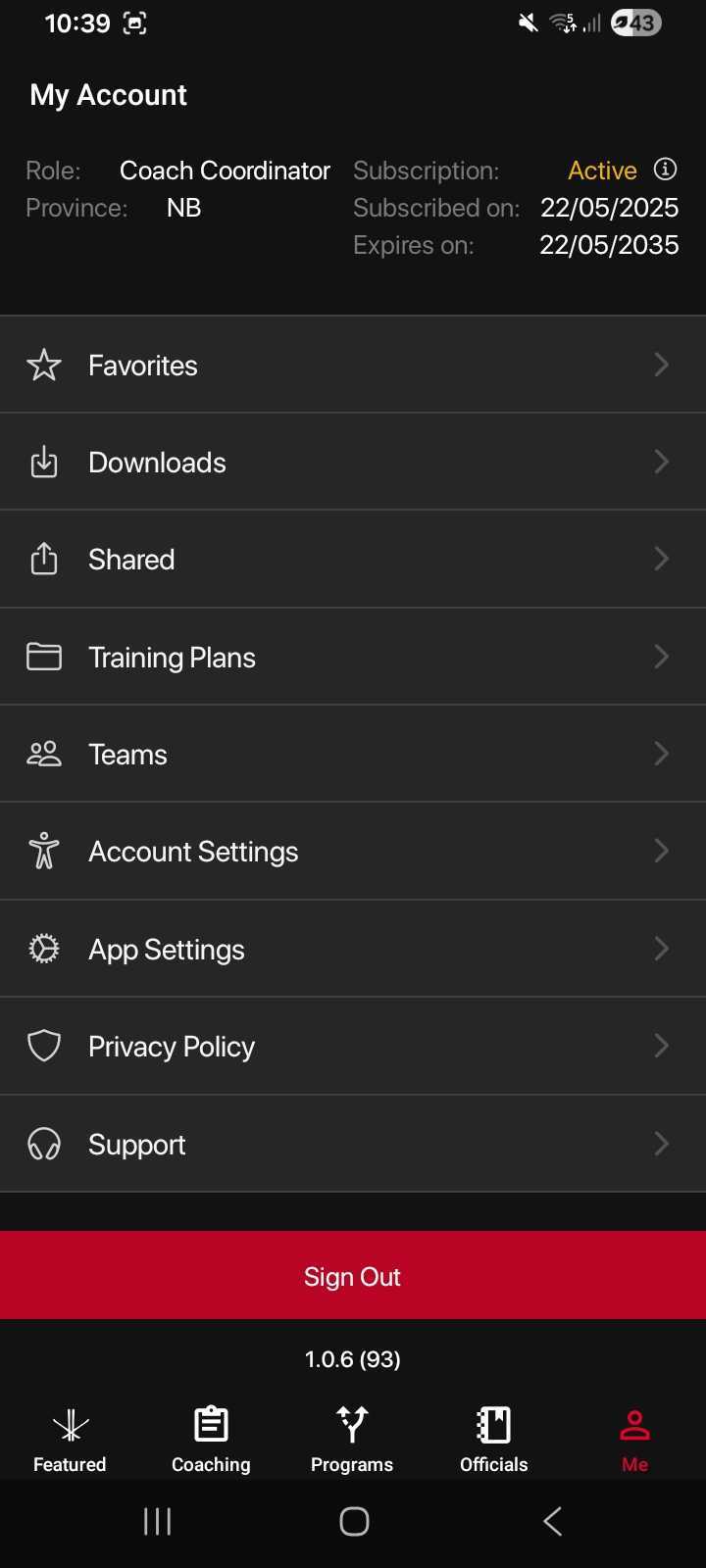
- Tap Favorites.
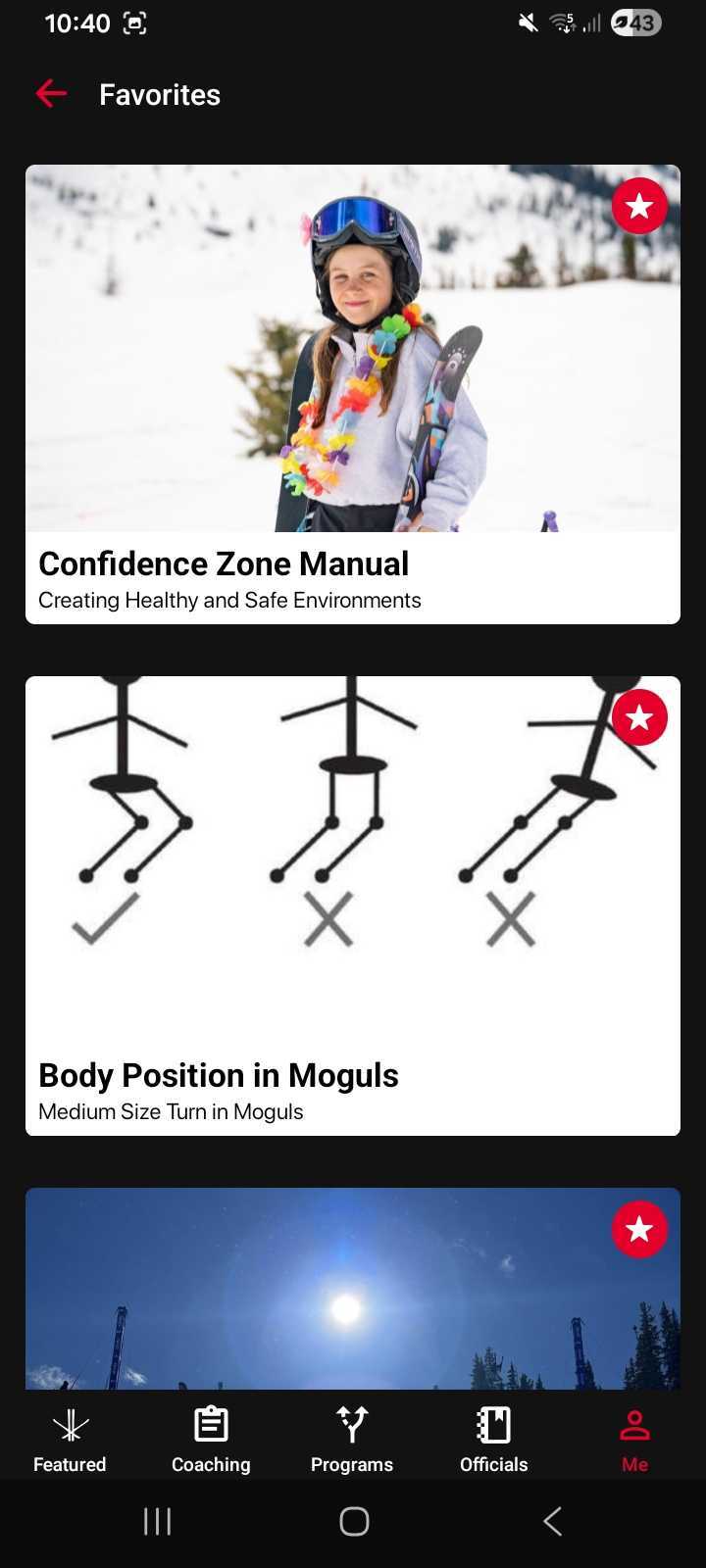
Here, you’ll find all the videos and articles you’ve marked as favorites.
Was this article helpful?
Still need help?Submit A Ticket