Freestyle Canada
Freestyle CanadaHelp Centre
Contact support

How do I delete a training plan?

If you need to remove a training plan, just follow these steps:

Go to your Training Plans dashboard.
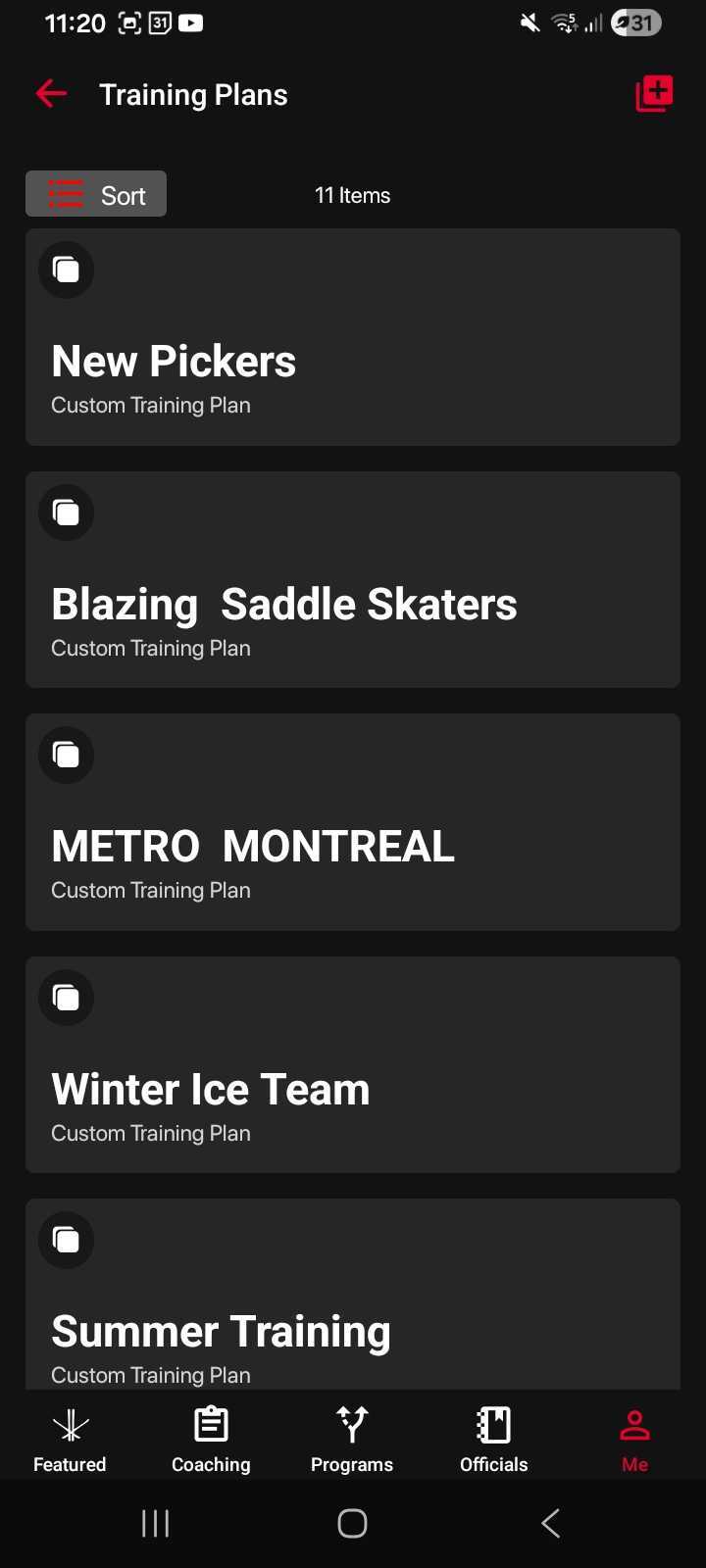
Training Plans Dashboard

Select the training plan you want to delete.
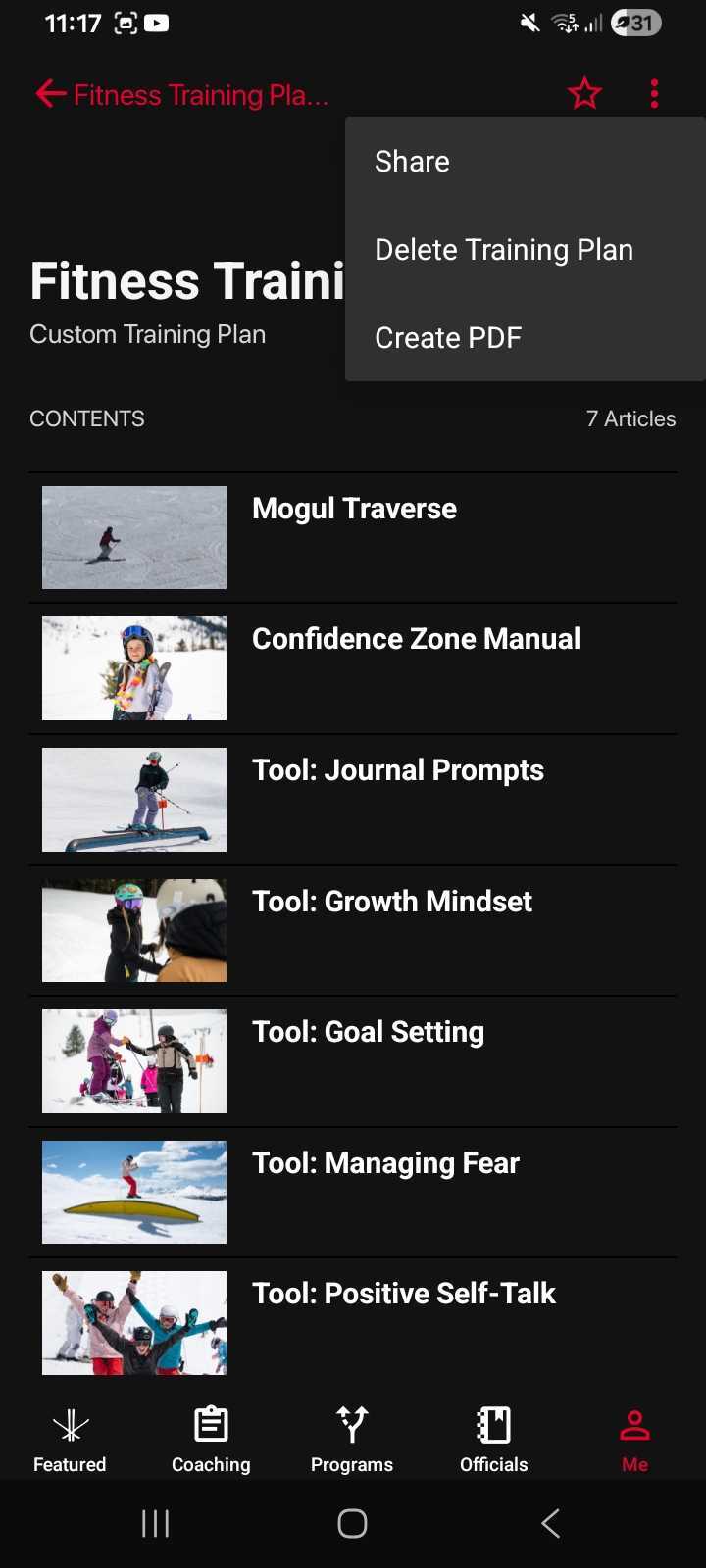
Select the Training Plan for Deletion

Tap the three-dot menu in the top-right corner.

Choose “Delete Training Plan.”
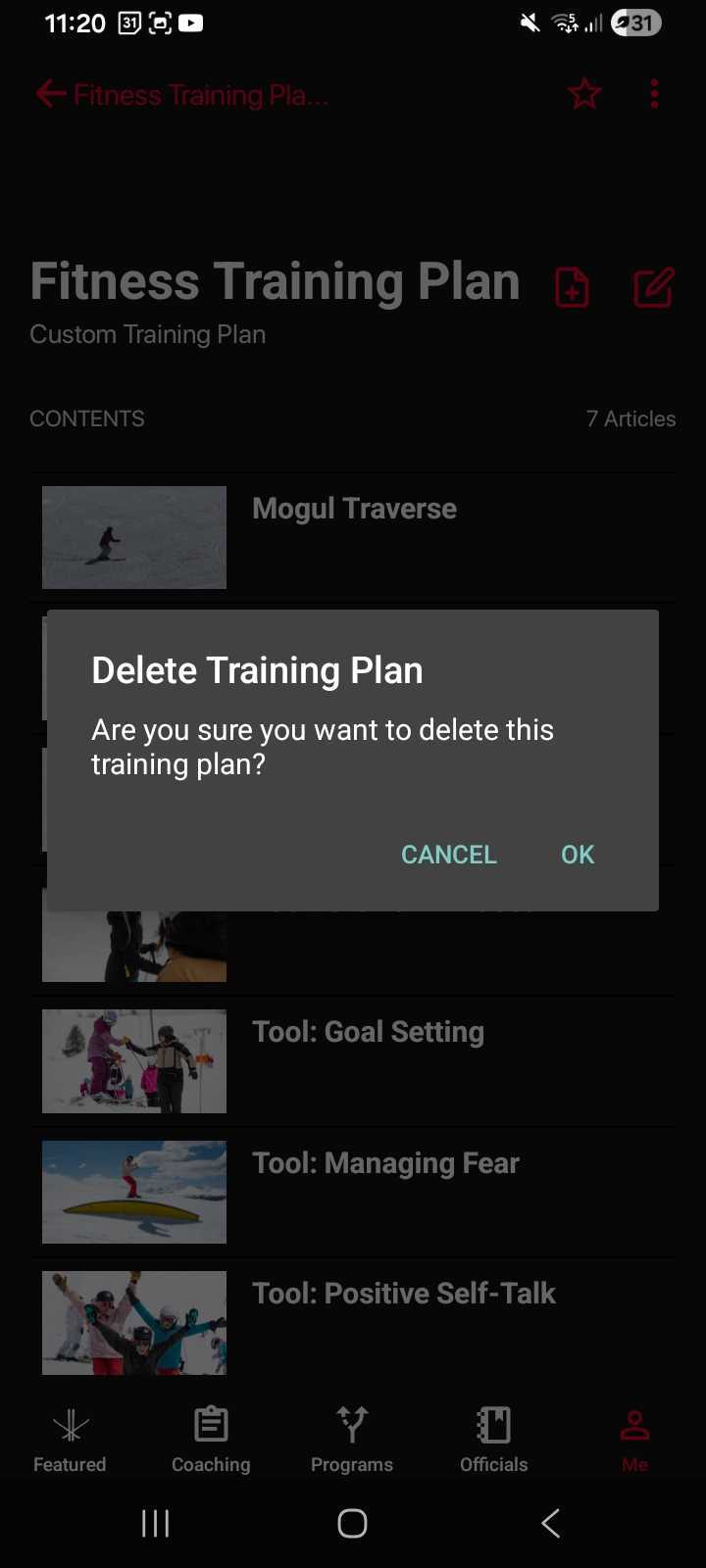
Confirm Deletion
Confirm Deletion

Confirm your selection.

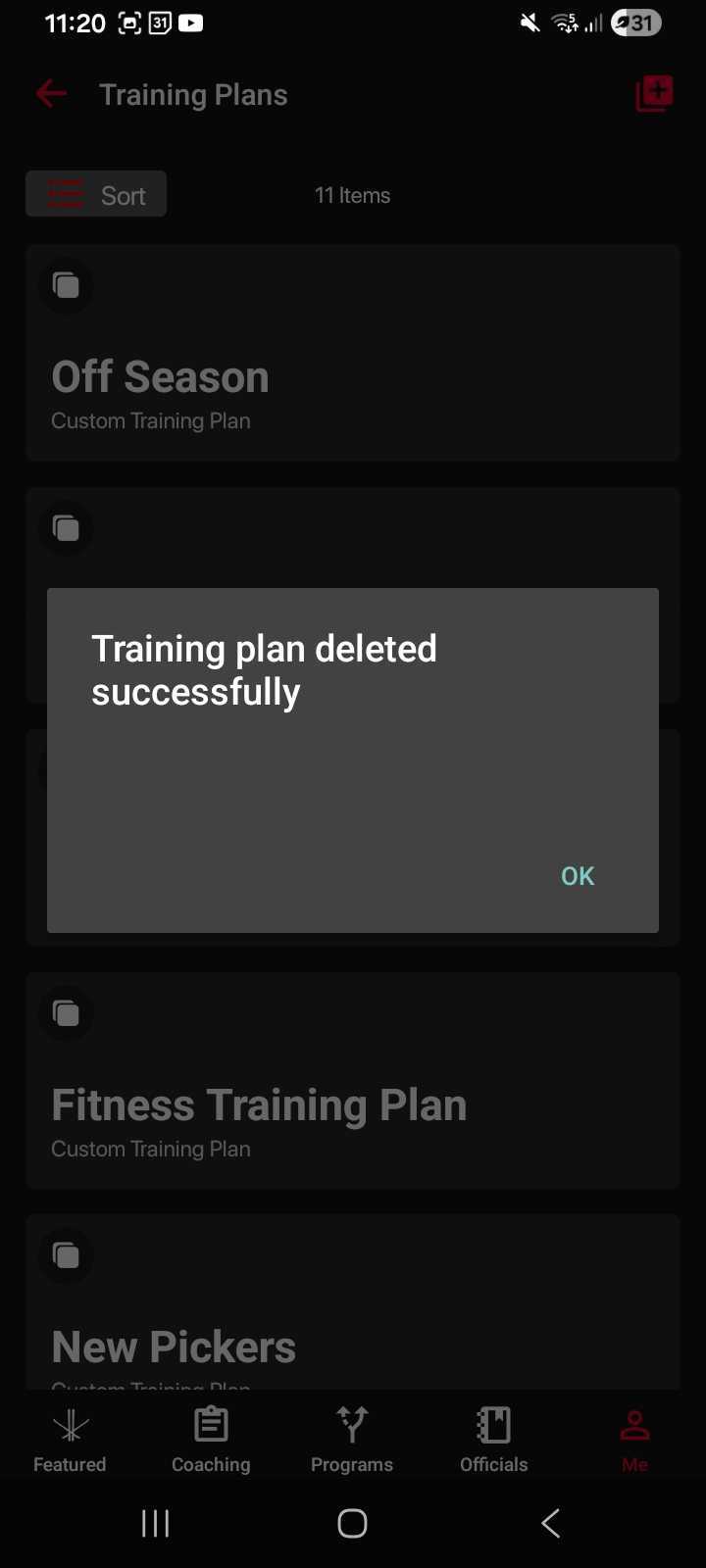
Successfully Deleted

Your training plan will be permanently removed from your dashboard.

Was this article helpful?

Browse by topic

Still stuck?

Send us the details and most requests get a reply within one business day.

Contact support