
How do I download an article or video?
On Android, here’s how to download an article or video:
Open the article or video you want to download.
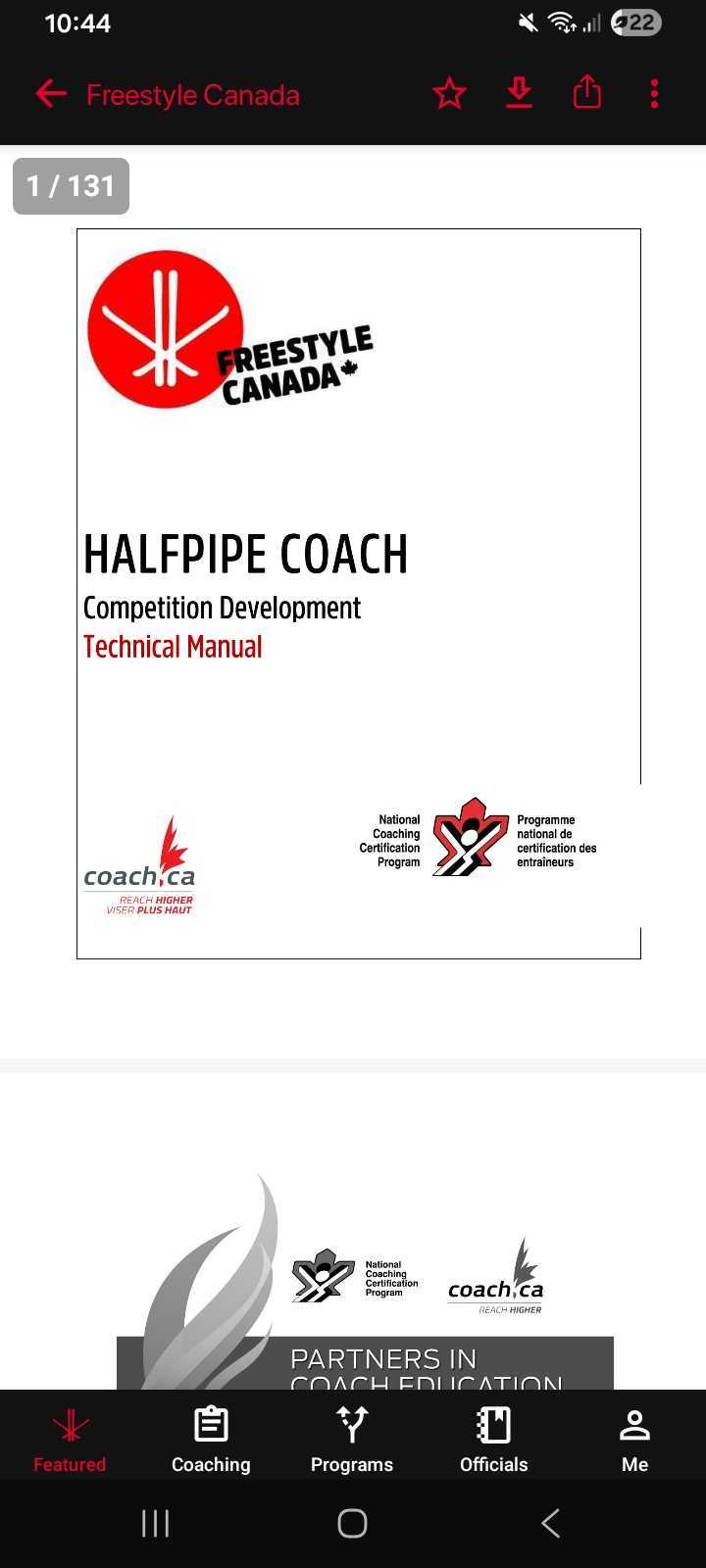
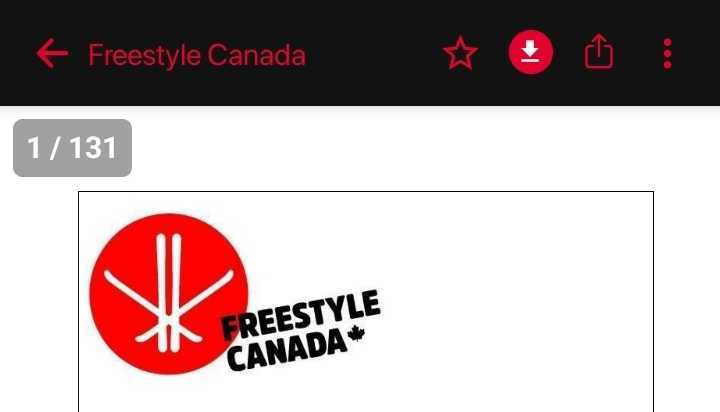
Tap the Downloads icon (the arrow pointing down) in the top-right corner.
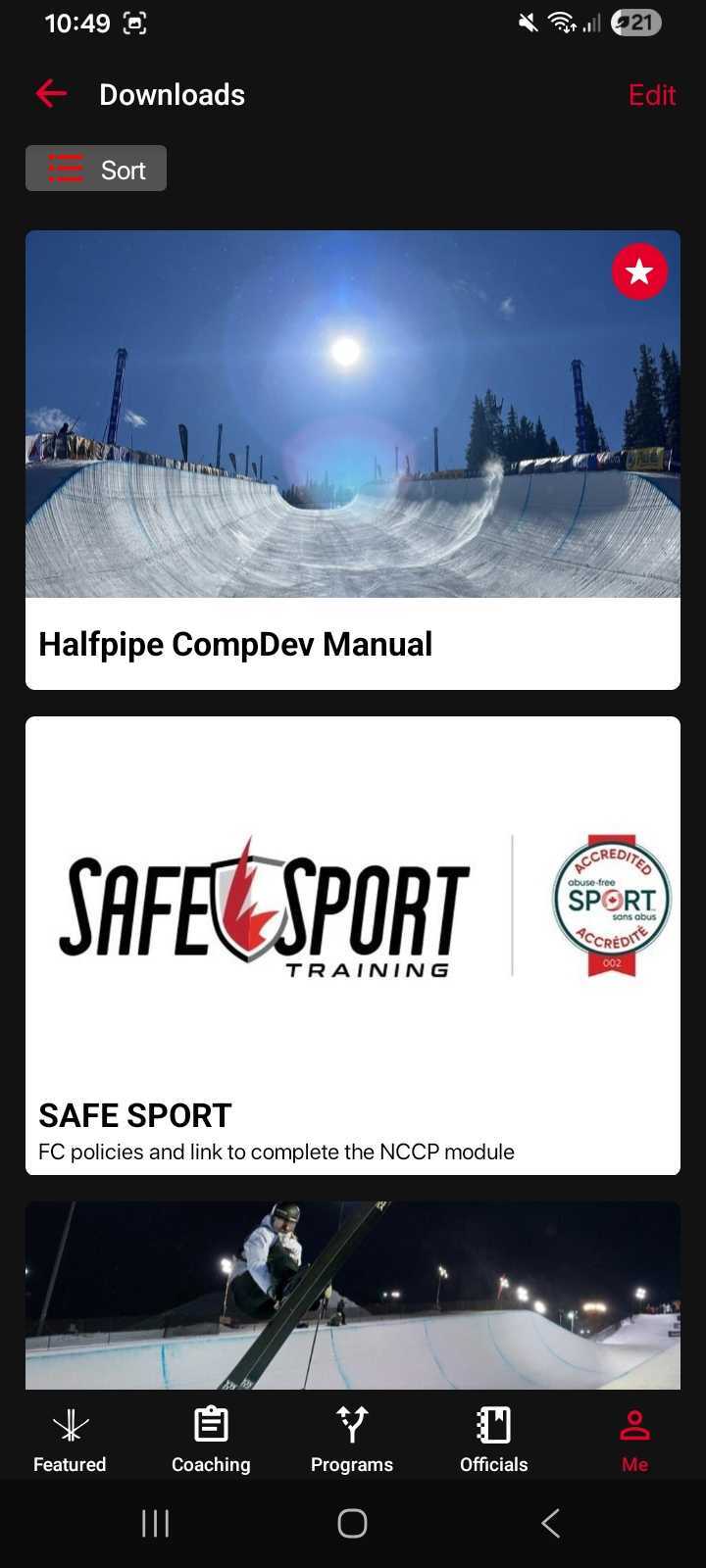
Your downloaded content will be saved in your Downloads folder, which you can access under the Me tab in the navigation menu.
To remove a downloaded item:
Go back to the article or video and tap the Downloads icon again to unhighlight it. This will remove it from your Downloads folder.
Was this article helpful?