
To cancel your Freestyle Ski Canada subscription on Android:
Open the Google Play Store on your device.
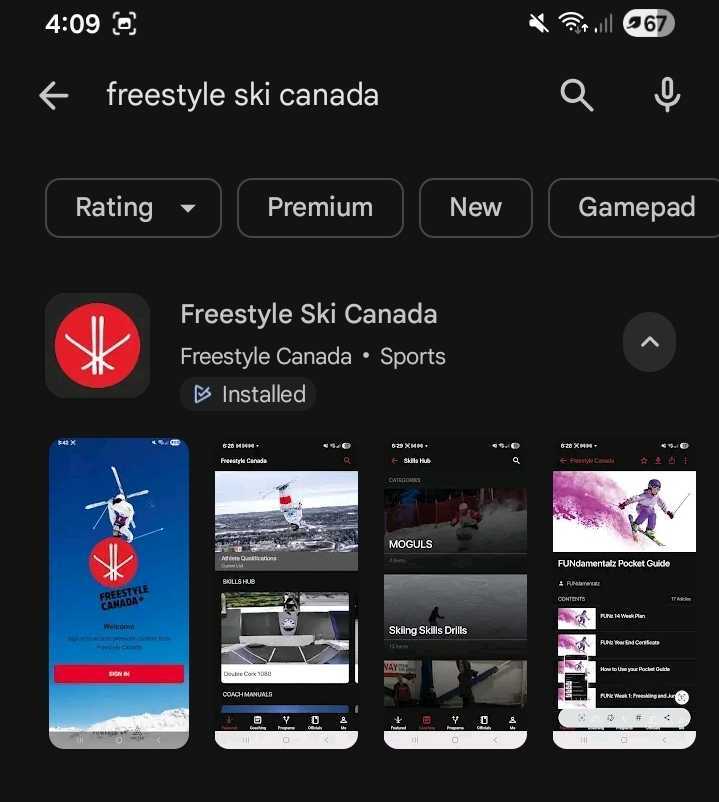
Tap the menu icon (top-left corner) to open the navigation drawer. (Steps may vary slightly depending on your Android version.)
Select Subscriptions.
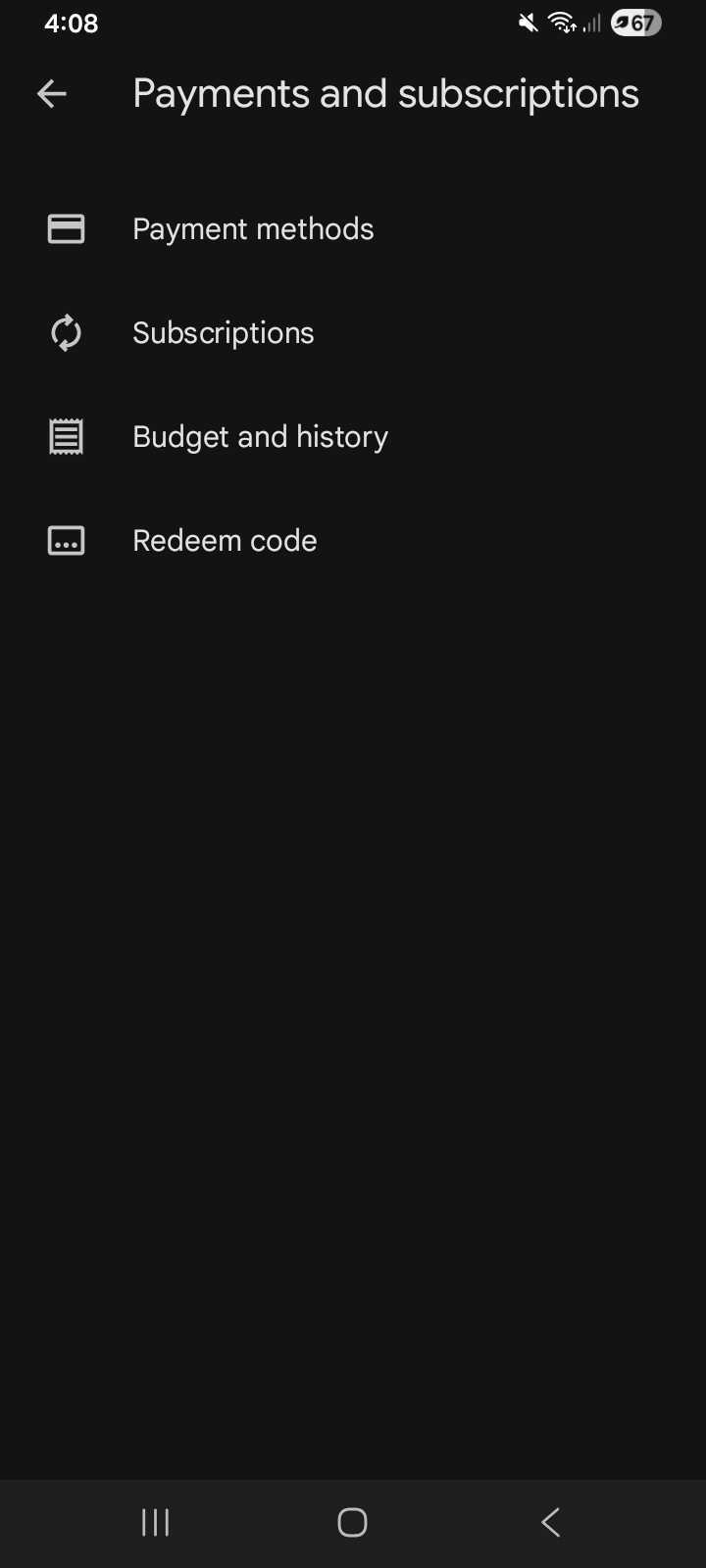
Choose your Freestyle Ski Canada subscription.
Tap Cancel and confirm your selection.
Your subscription will remain active until the end of your current billing period, then it will expire.
Was this article helpful?
Still need help?Submit A Ticket