
Where do I view my shared content?
Shared content is under the My Account tab called Shared.
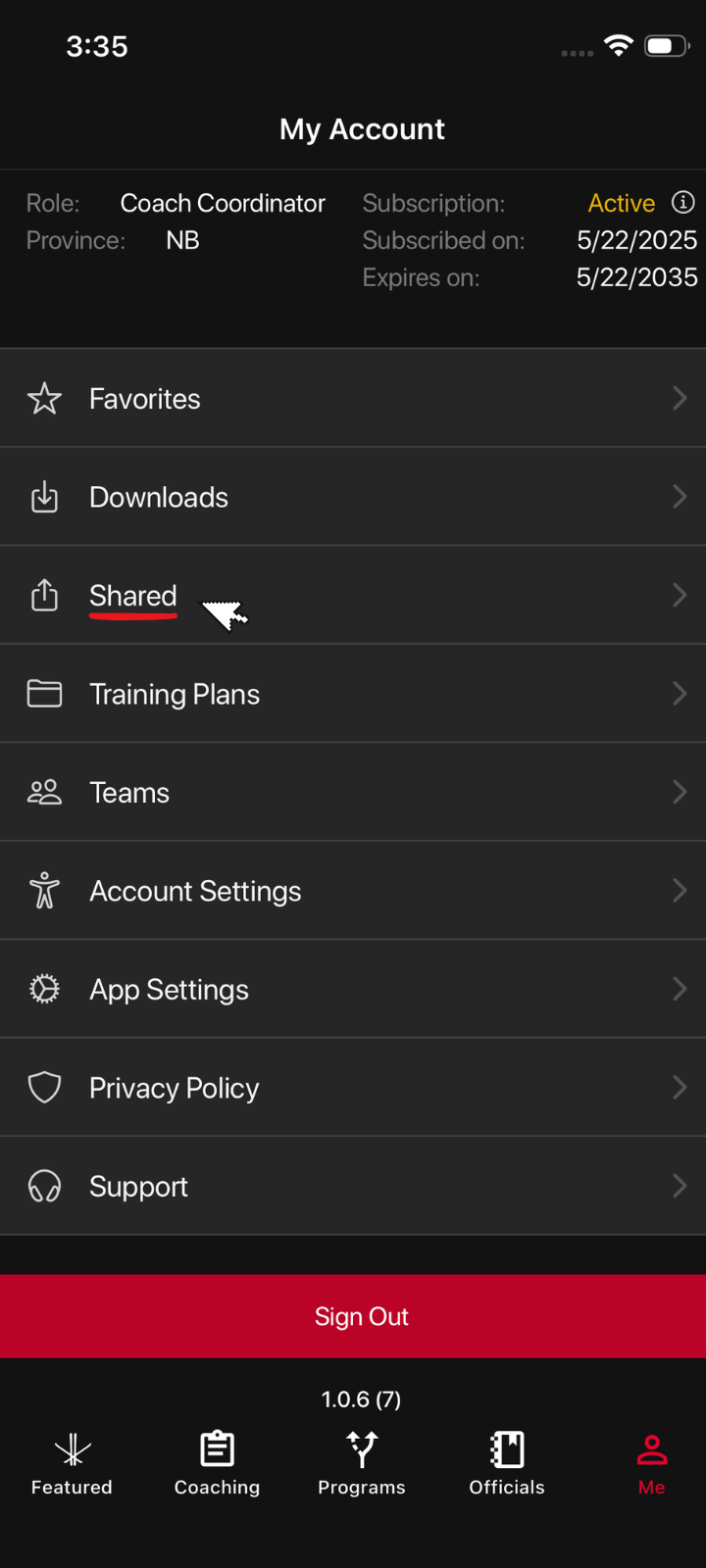
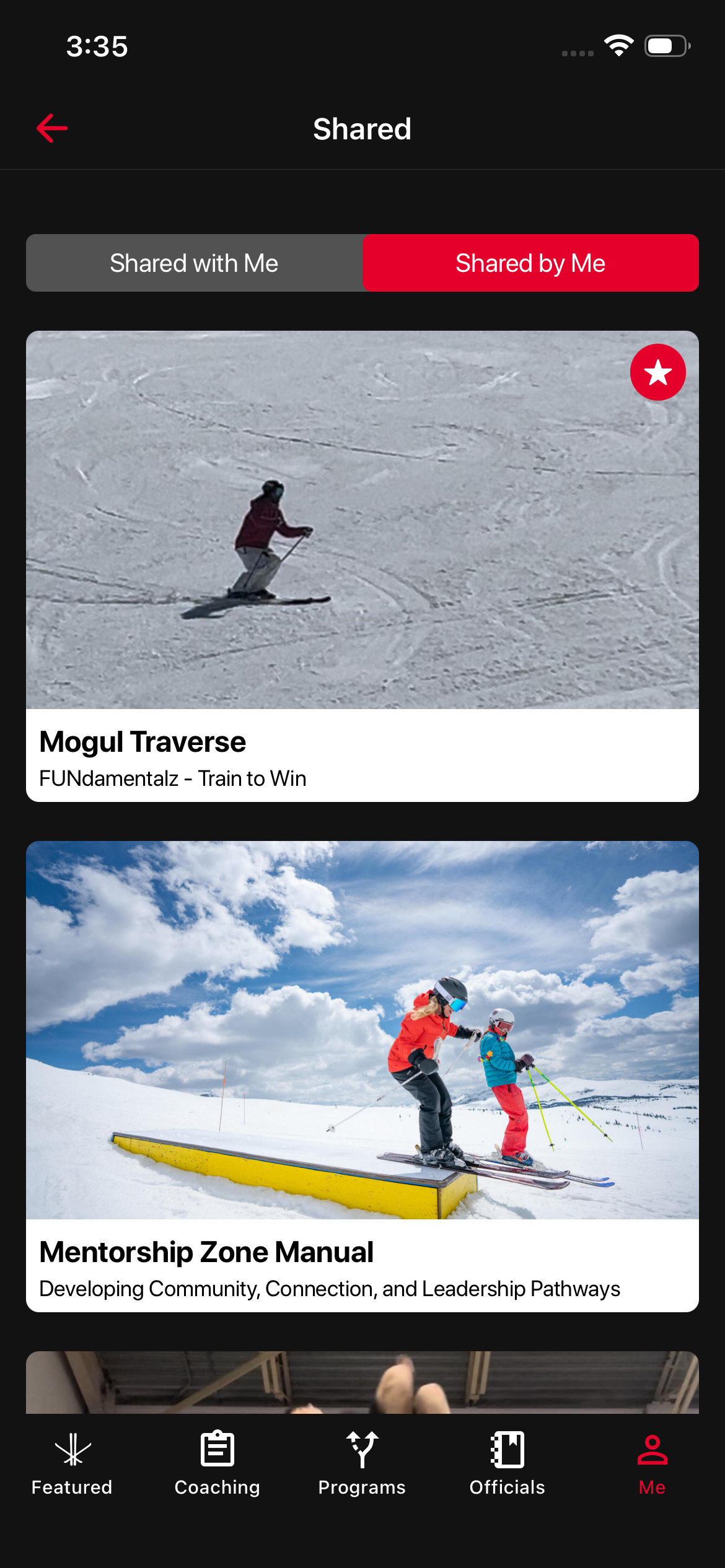
They are organized into two folders - Shared by Me and Shared with Me.
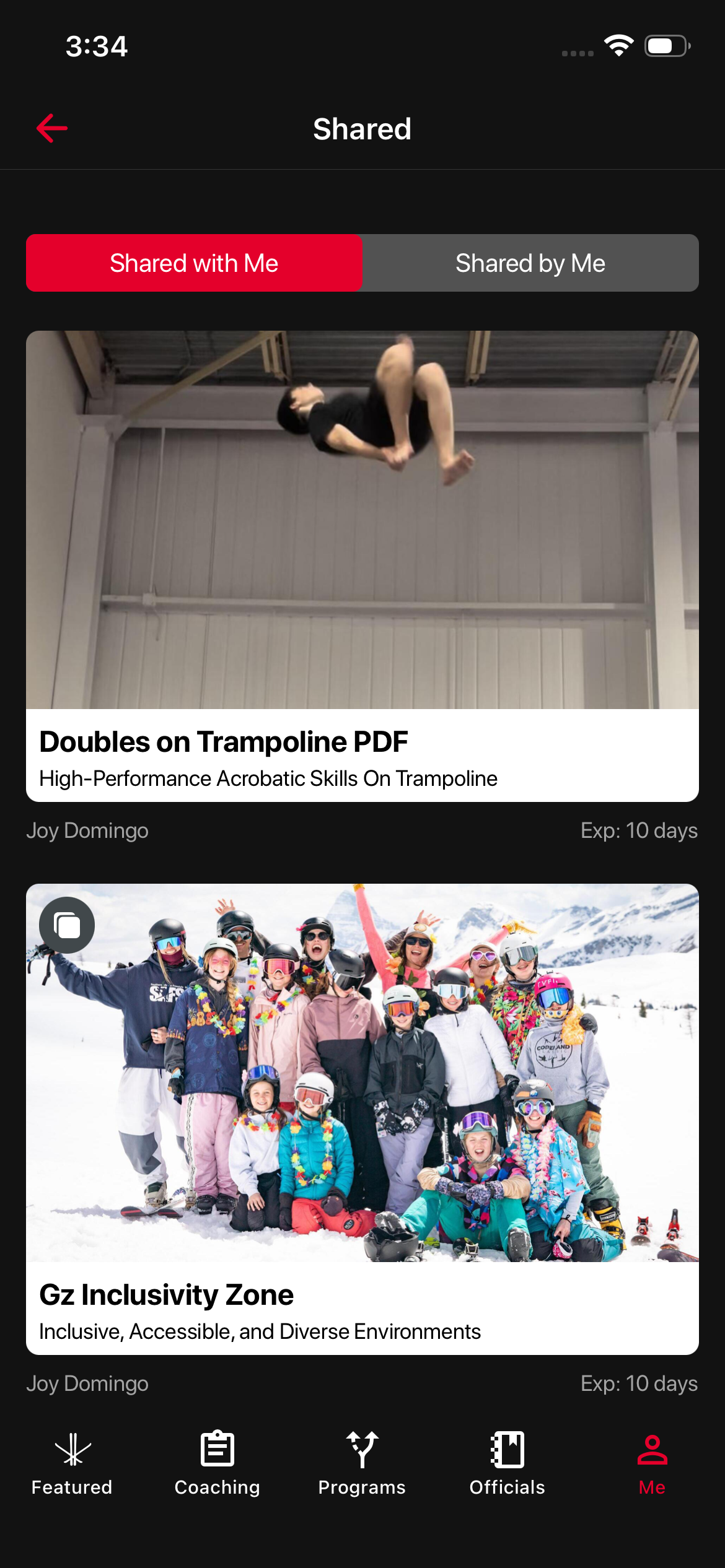
Here you will see what articles are sent to you and what you have sent so far to your team mates.
Was this article helpful?
Related articles