
Share a Training Plan
Sharing your training plan with your team is simple:
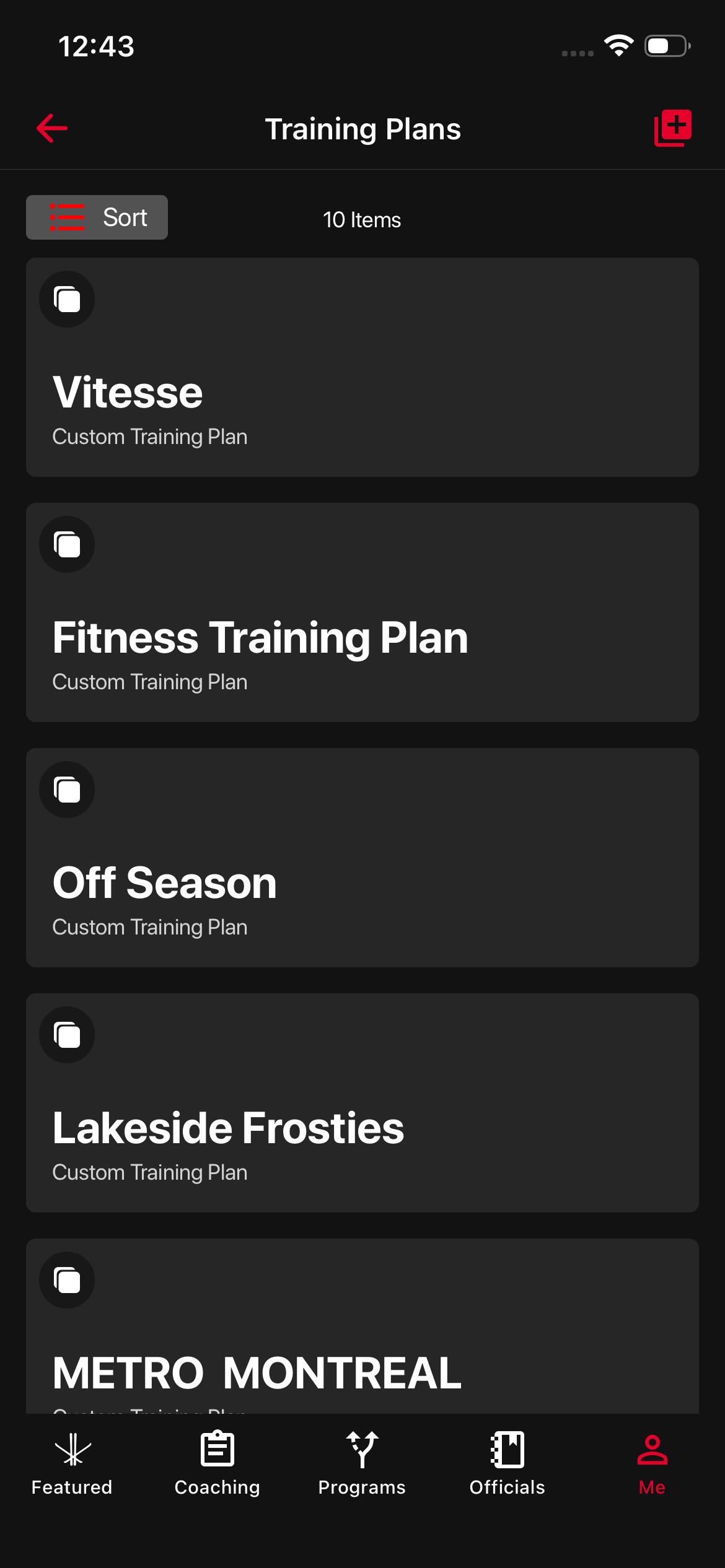
- Go to your Training Plans dashboard.
- Select the training plan you’d like to share.
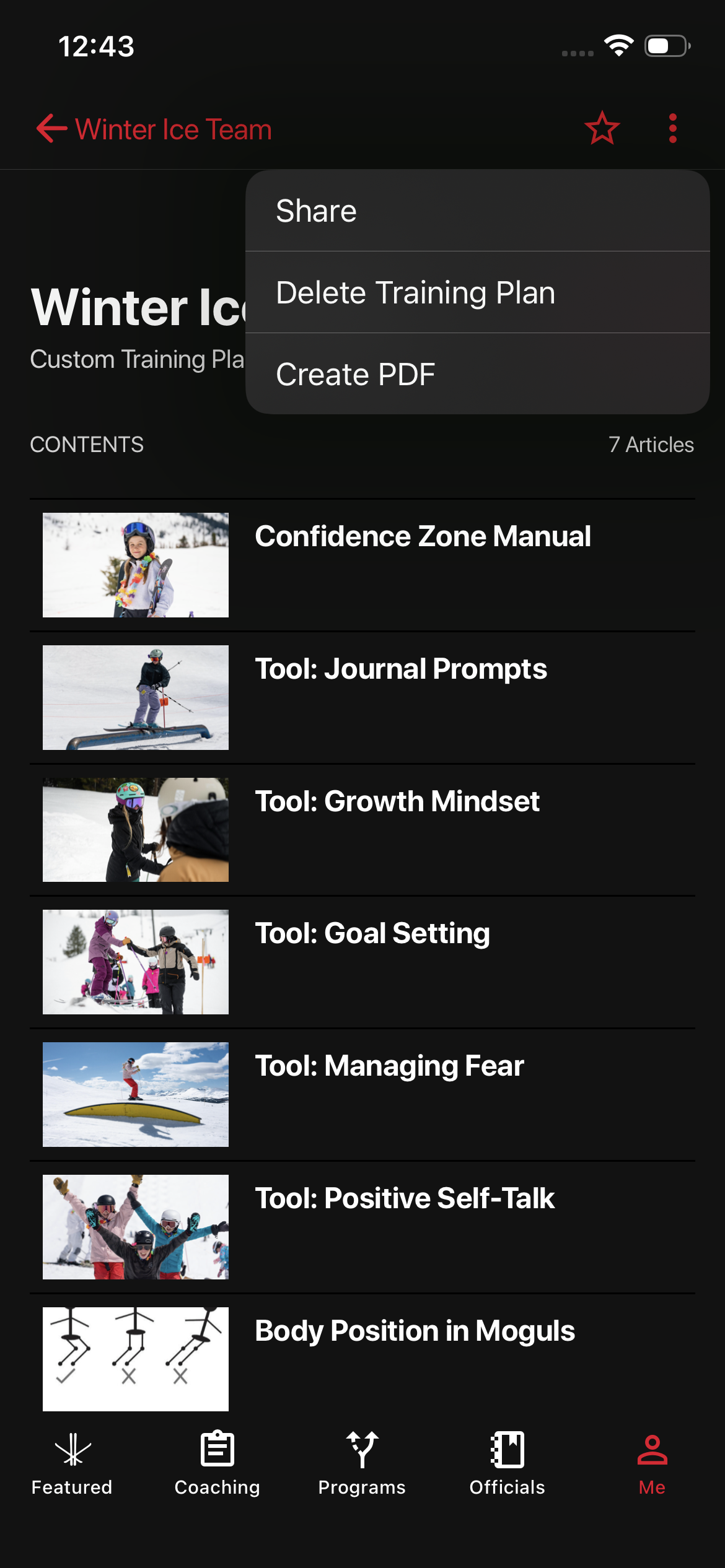
- Tap the three dots (⋯) in the top-right corner.
- From the dropdown menu, choose Share.
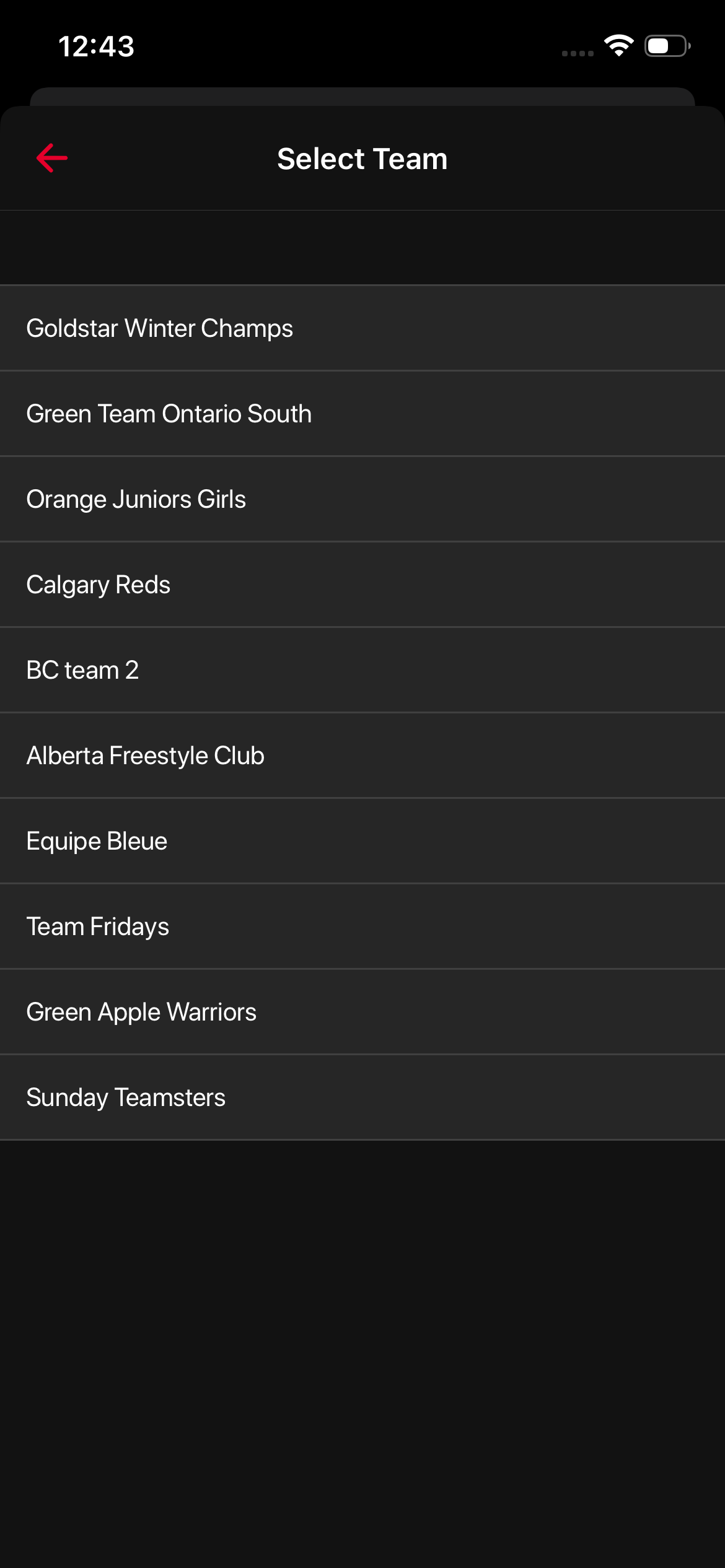
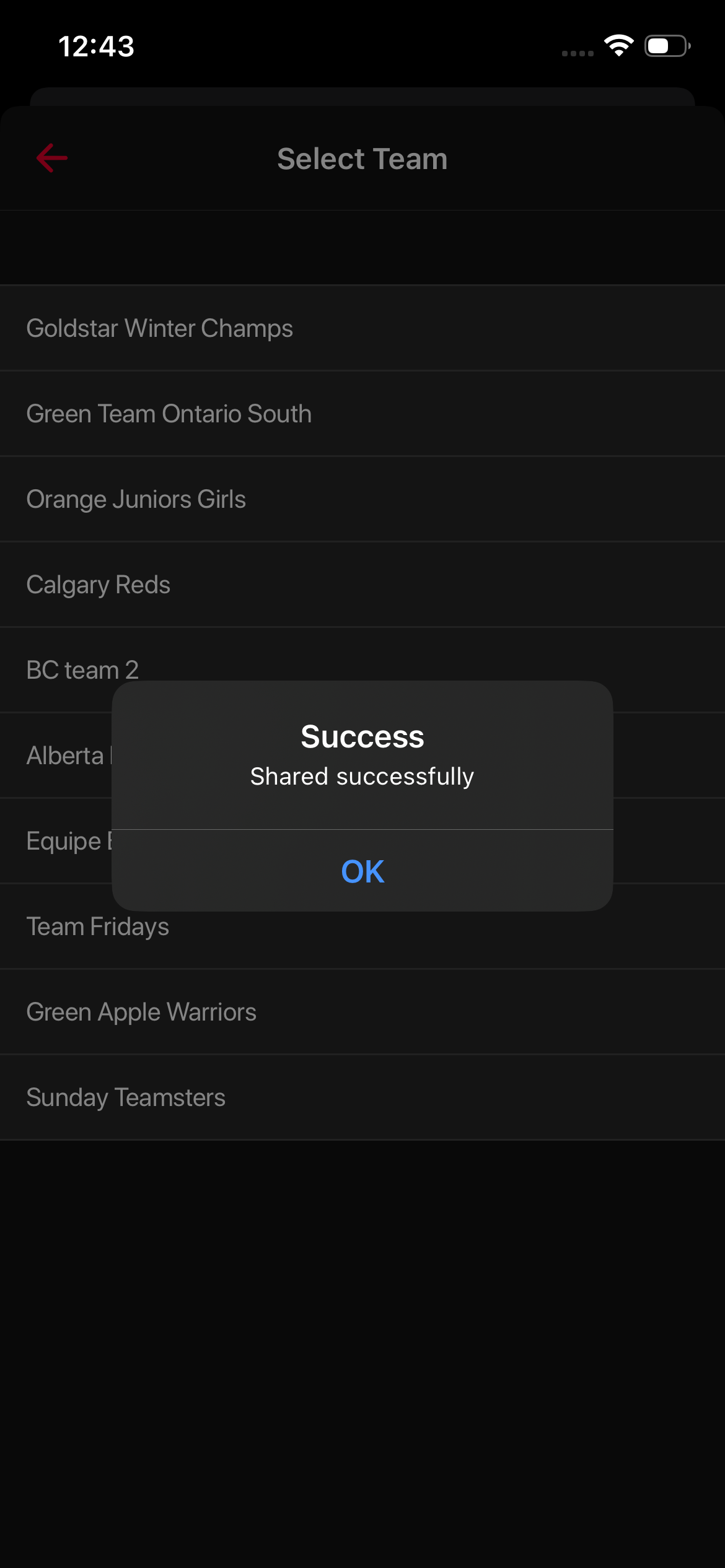
- Select the team you’d like to share it with.
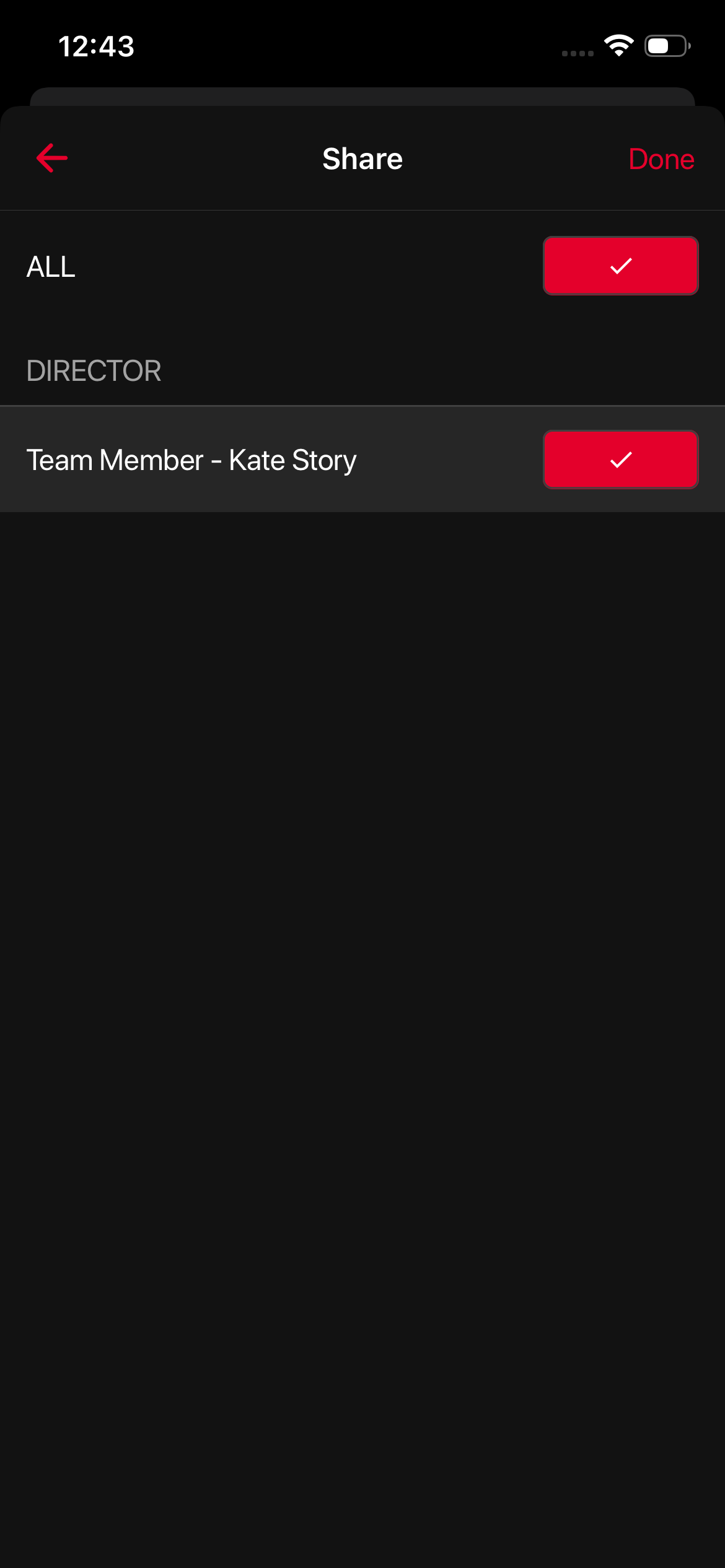
Your team members will receive a notification letting them know the training plan has been shared.
Was this article helpful?
Related articles