
How do I create a team?
Creating a team is simple and only takes a few steps:
1. Tap “Me” in the navigation menu to open your My Account page.
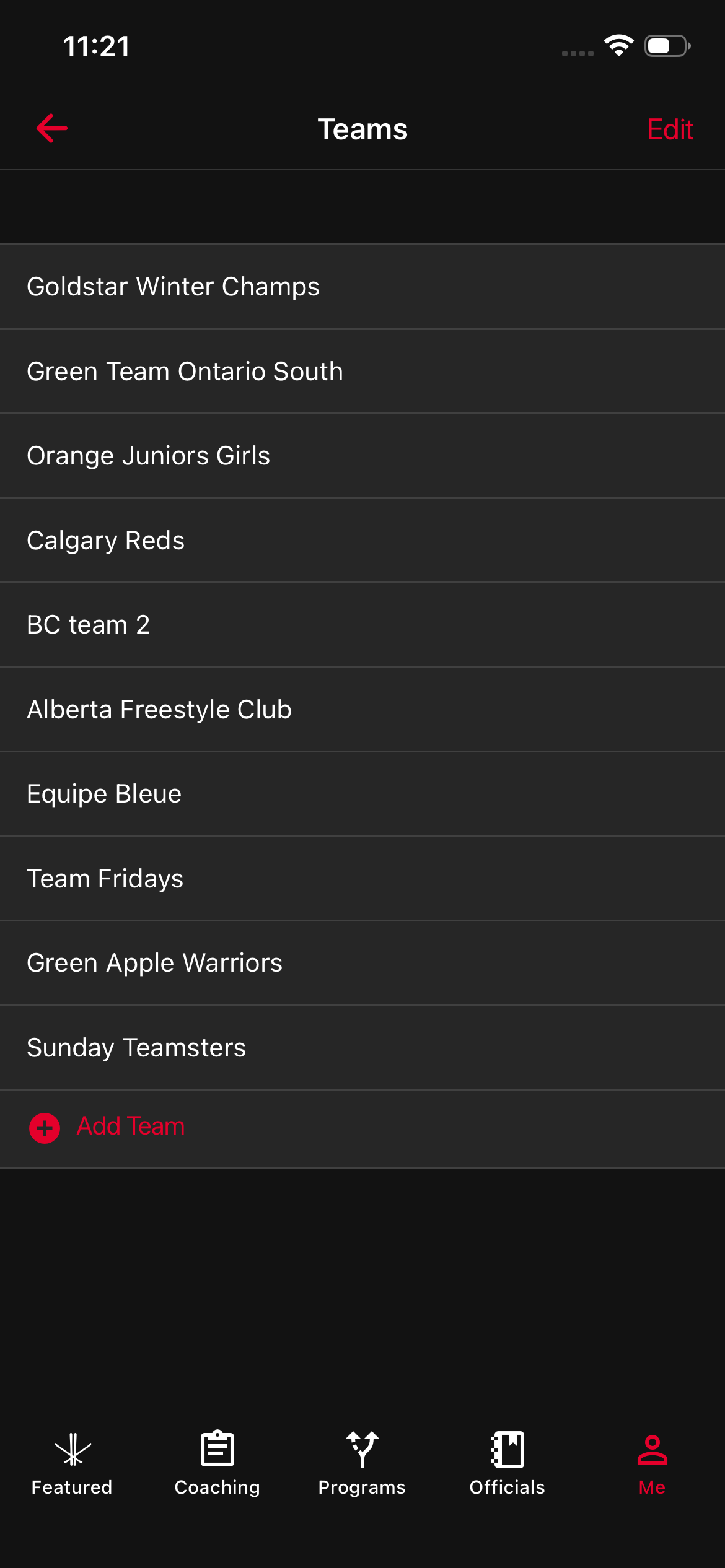
2. Select Teams to go to your Teams dashboard.
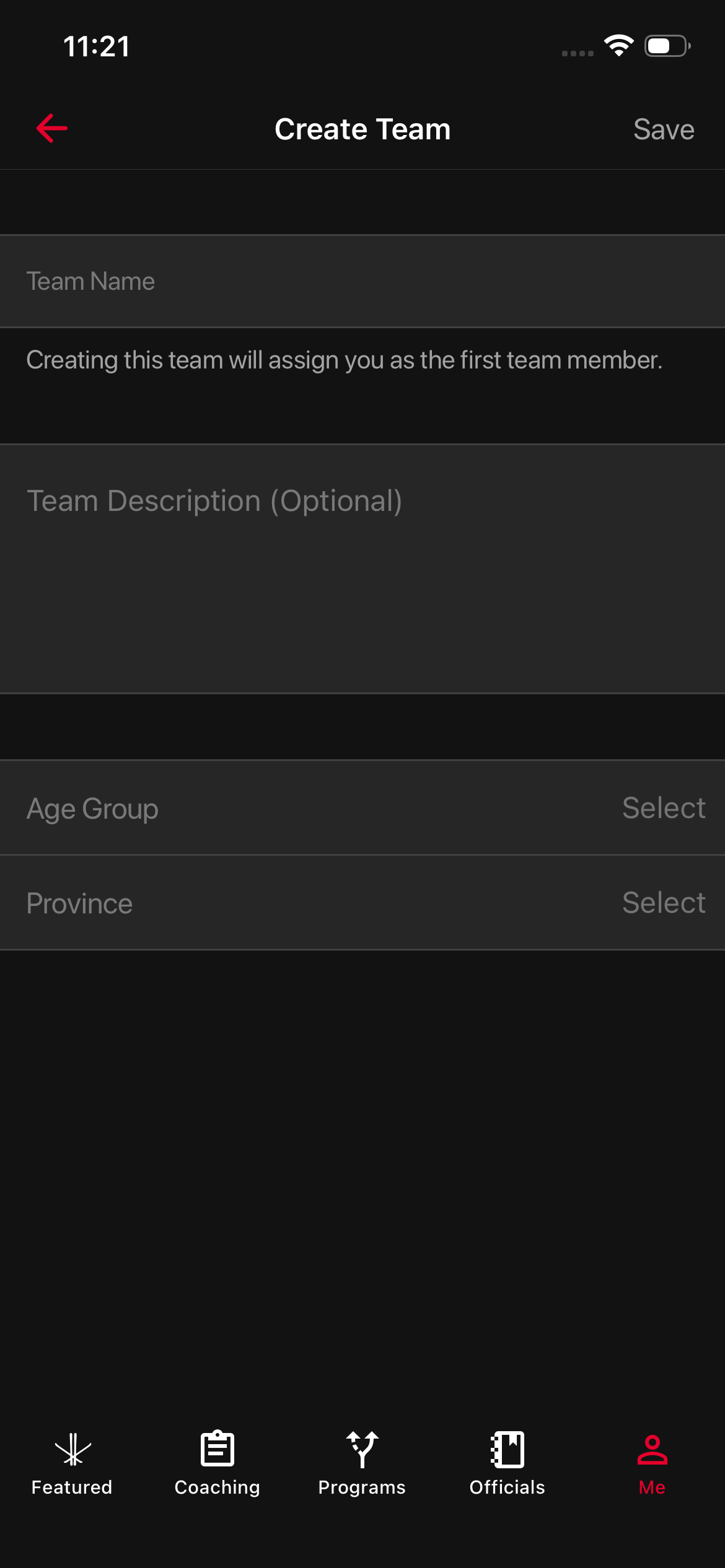
3. Tap “Add Team” to start creating a new team.
4. You’ll be taken to the Create Team page. Enter your:
- Team Name
- Team Description
- Age Group
- Province
5. Once you’ve filled everything out, tap Save.
That’s it! Your new team will now appear on your Teams dashboard, and you can start inviting teammates right away.
Was this article helpful?
Related articles