
To get started, you’ll need an access code to use the Freestyle Canada app. Simply email app@freestylecanada.ski to request your access code — the Freestyle Canada team will be happy to help.
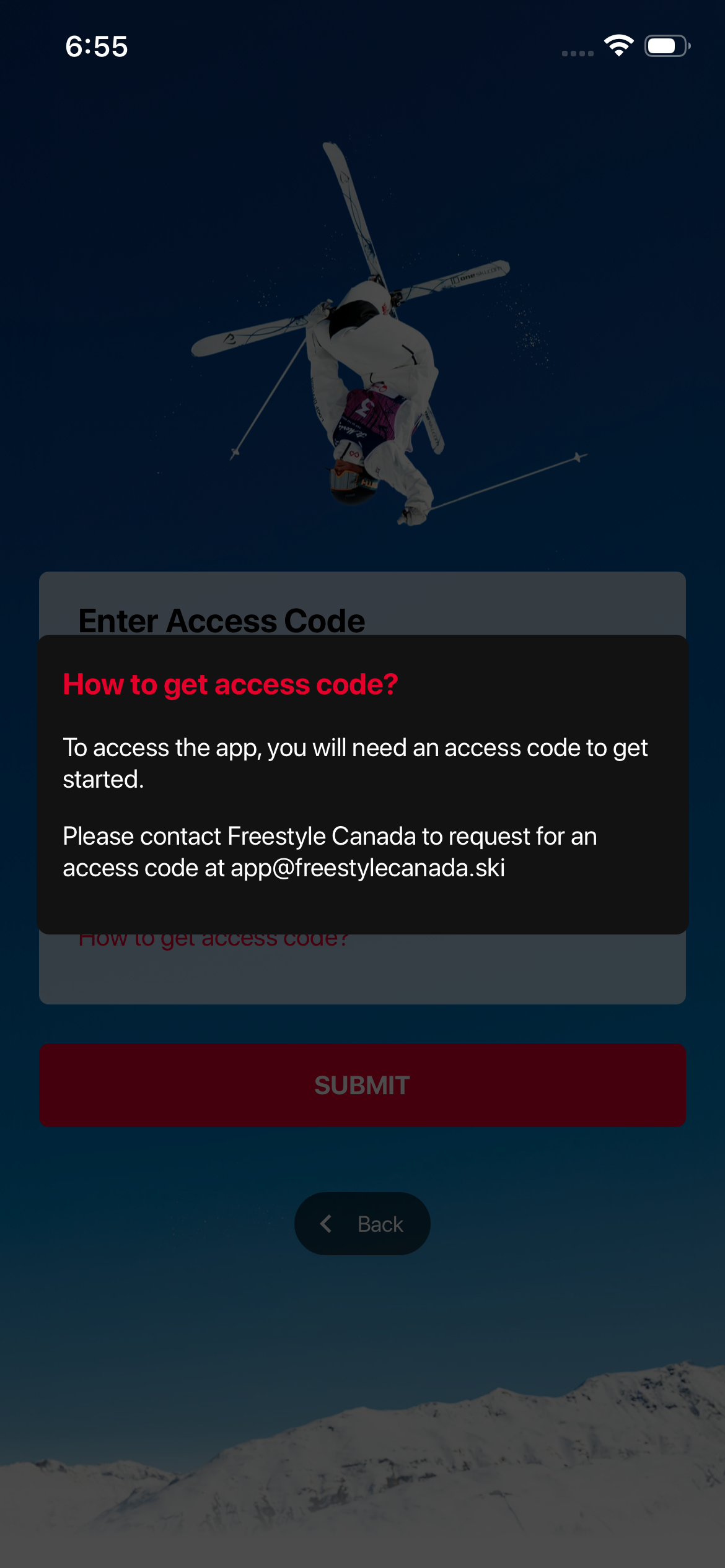
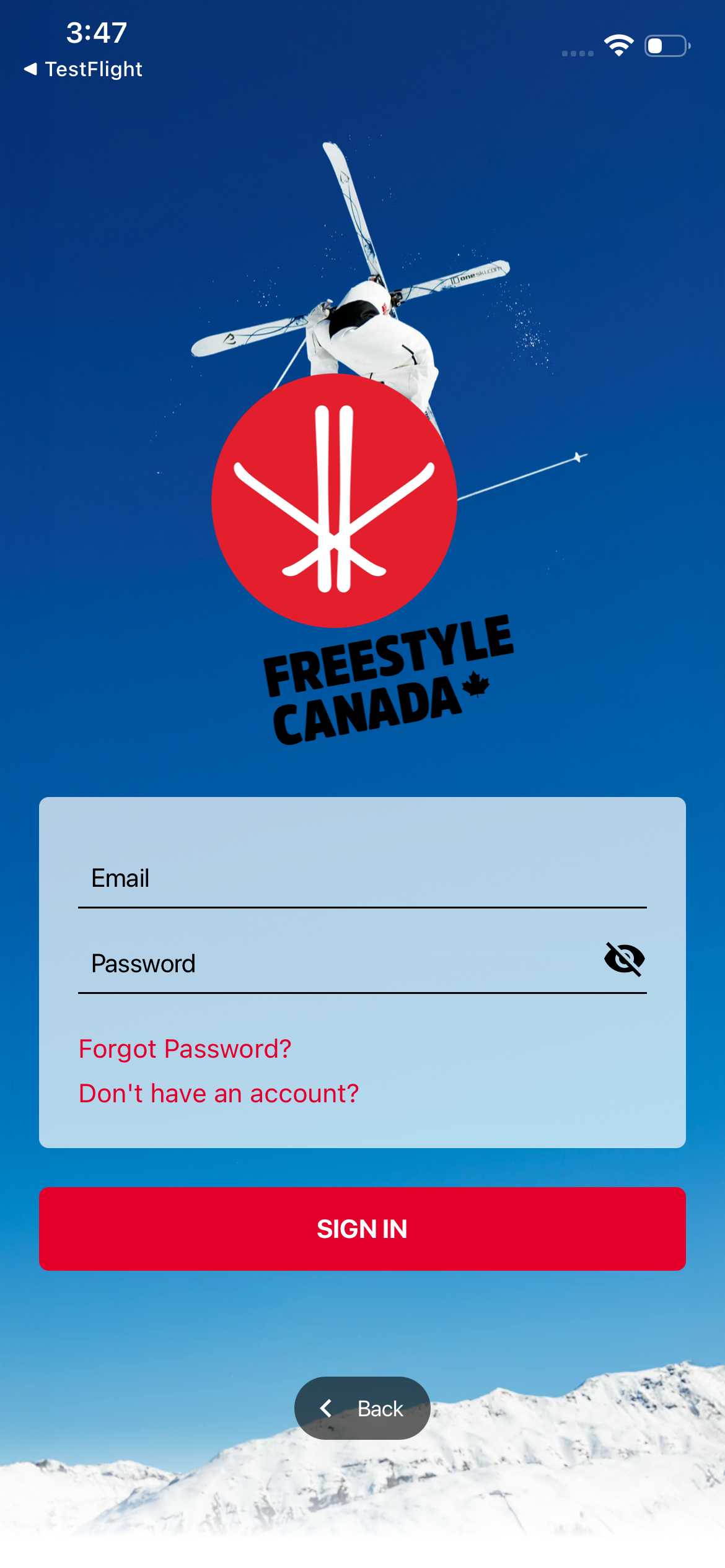
Once you receive your access code via email, open the Freestyle app and click sign in.
Then click 'Don't have an account?' then enter the access code given to you in the email.
Once accepted, you can complete your details to finish setting up your account.
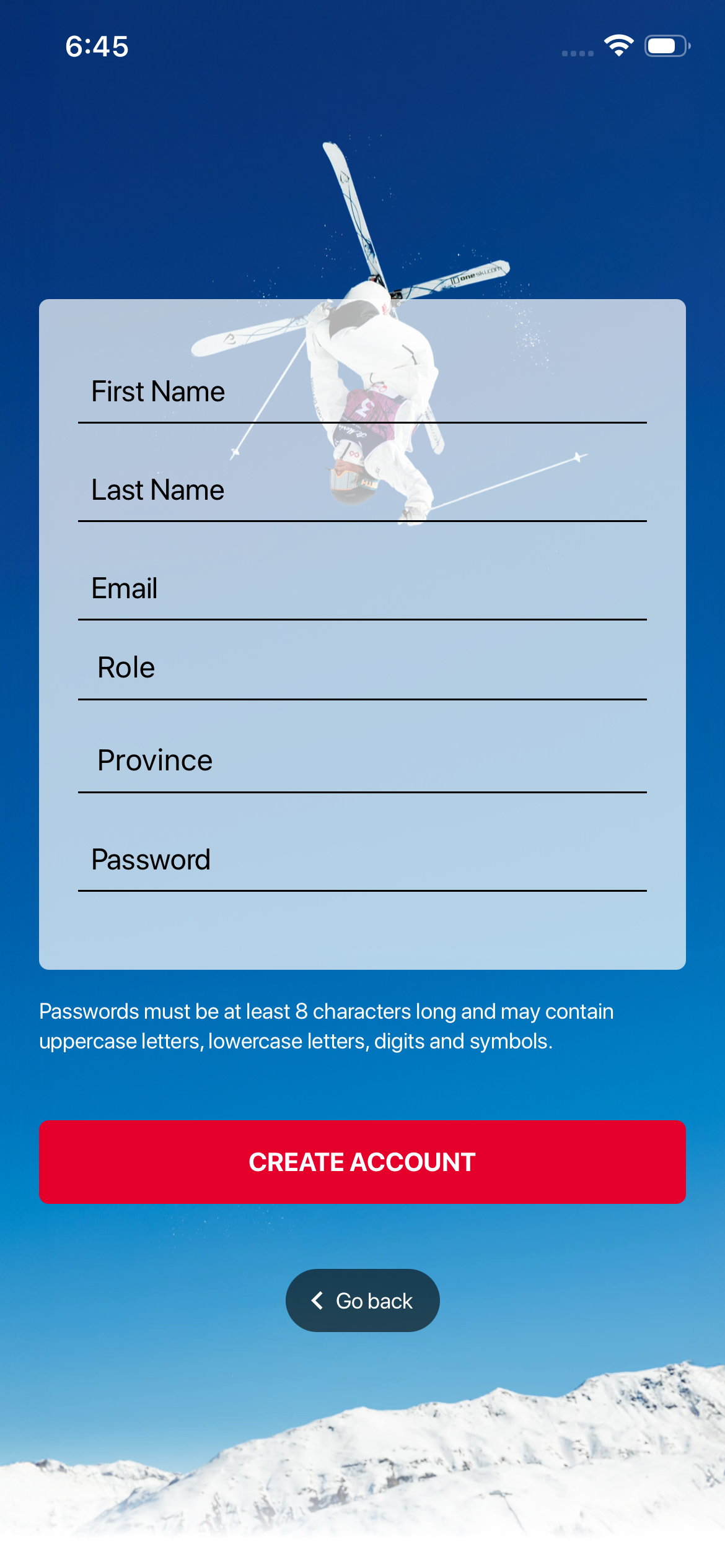
On the next screen, enter your details. Remember your password must be at least eight characters long and may include uppercase and lowercase letters, numbers, and symbols. When you’re finished, simply tap Sign In and use your email and password.
Was this article helpful?
Still need help?Submit A Ticket