
Creating a team is simple and only takes a few steps:
1. Tap “Me” in the navigation menu to open your My Account page.
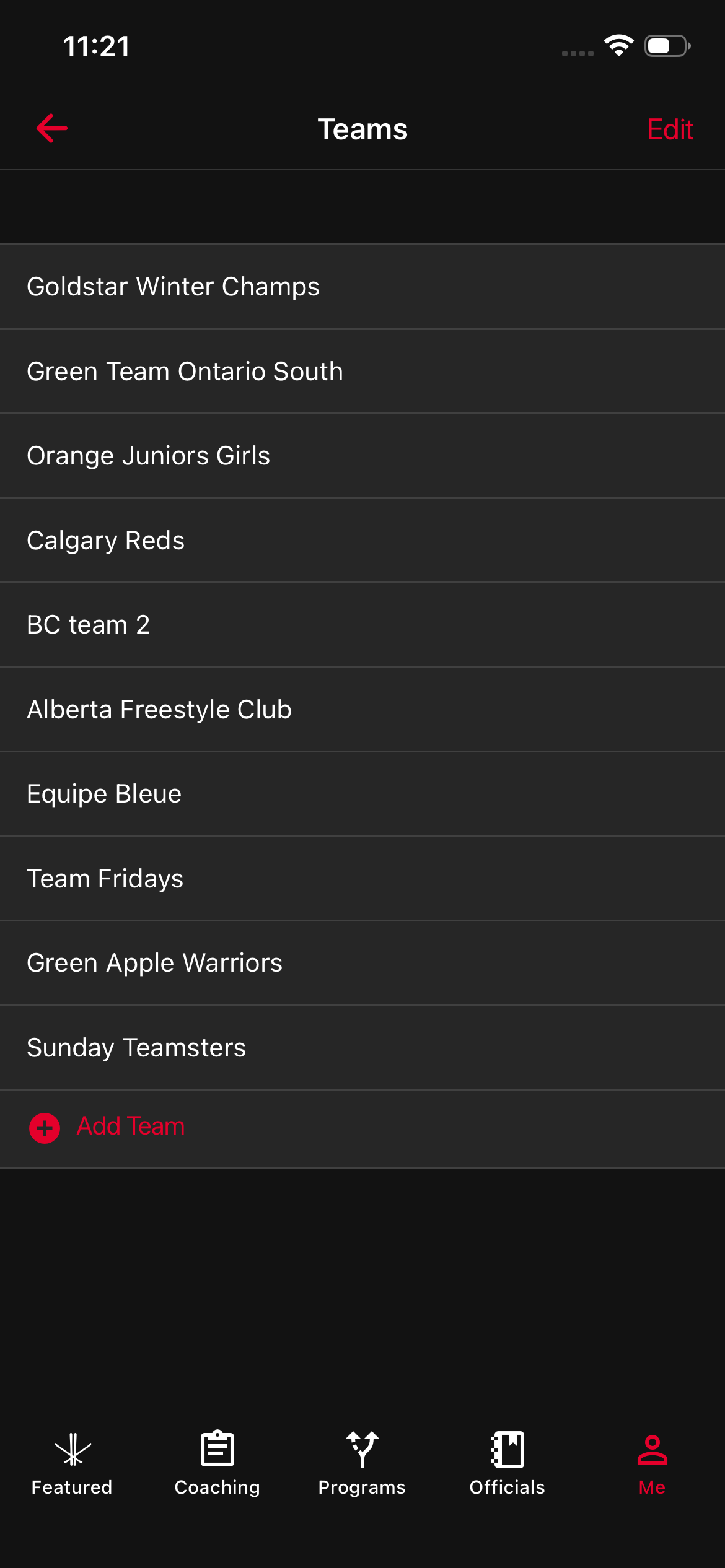
2. Select Teams to go to your Teams dashboard.
3. Tap “Add Team” to start creating a new team.
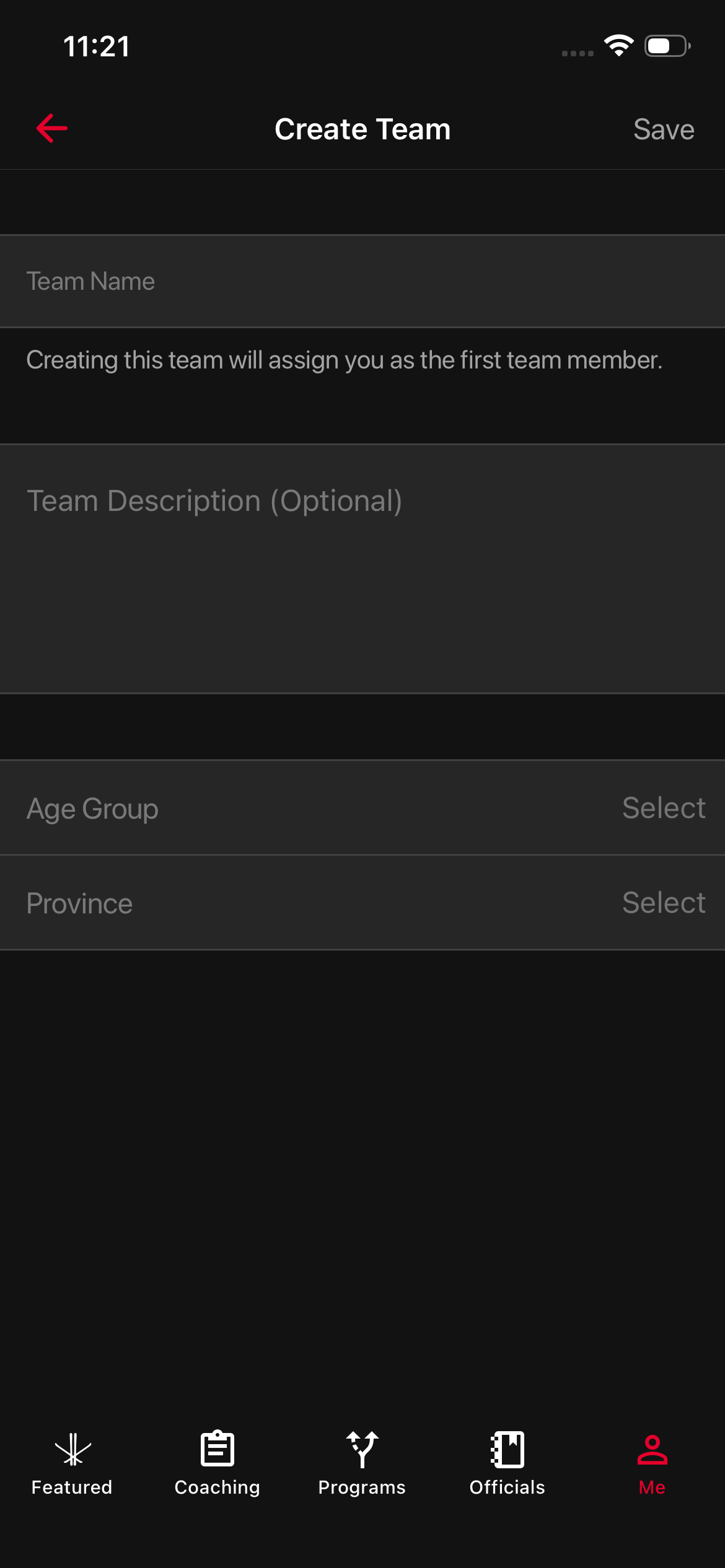
4. You’ll be taken to the Create Team page. Enter your:
- Team Name
- Team Description
- Age Group
- Province
5. Once you’ve filled everything out, tap Save.
That’s it! Your new team will now appear on your Teams dashboard, and you can start inviting teammates right away.