
How do I create a training plan?
Getting started on a training plan is simple!
Go to the “Me” tab.
Tap Training Plans.
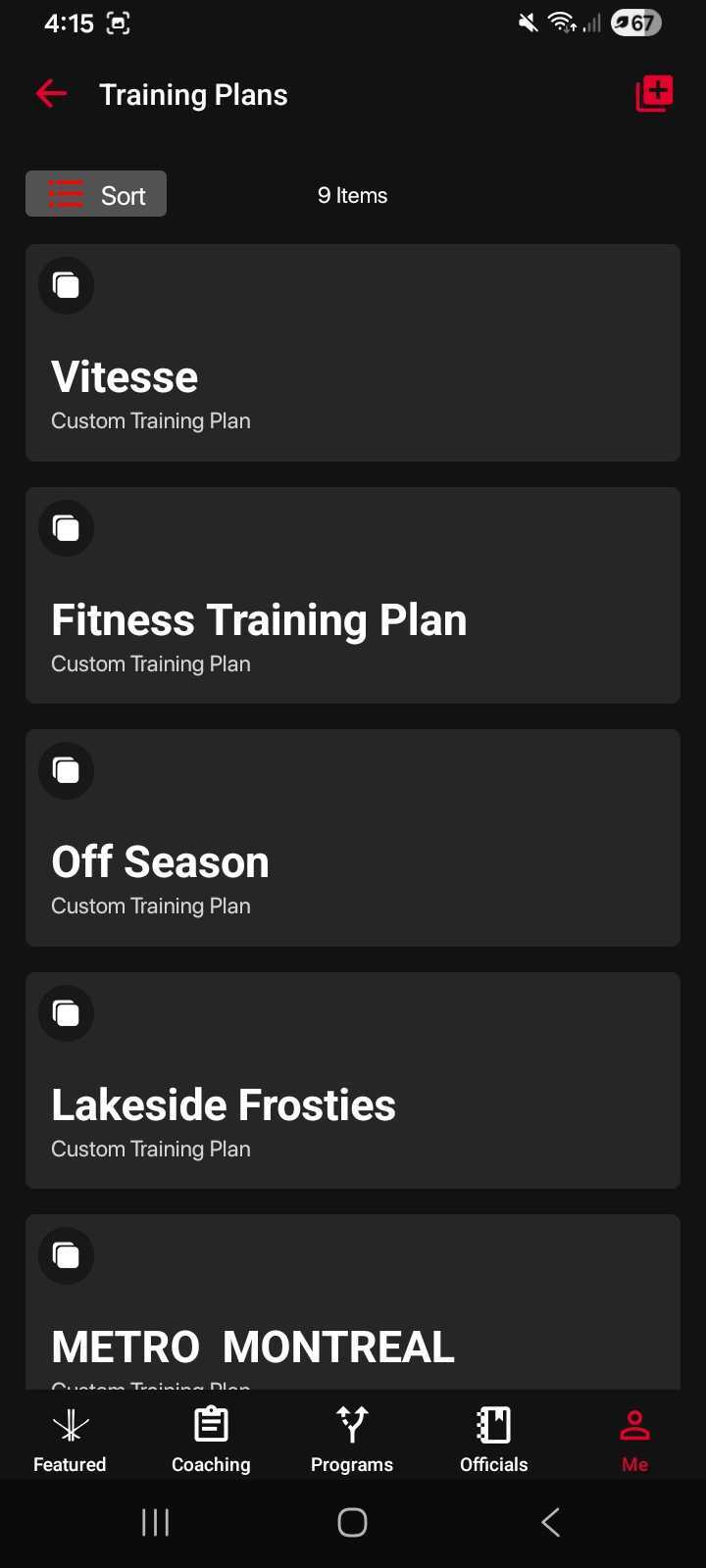
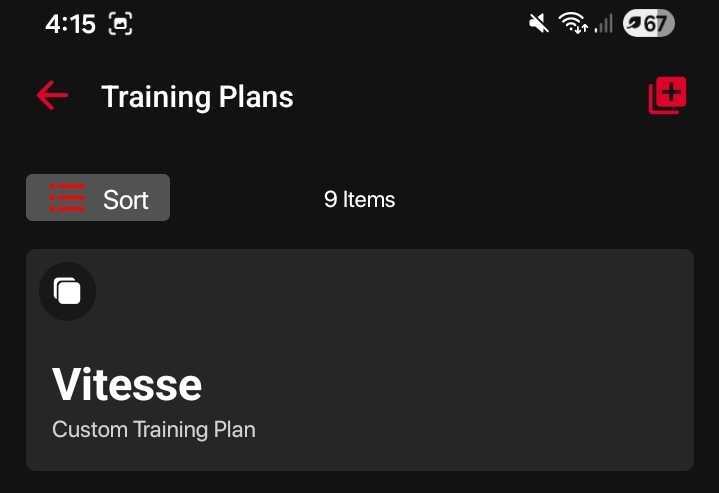
Press the red plus (+) button in the top-right corner.
Enter a name for your training plan.
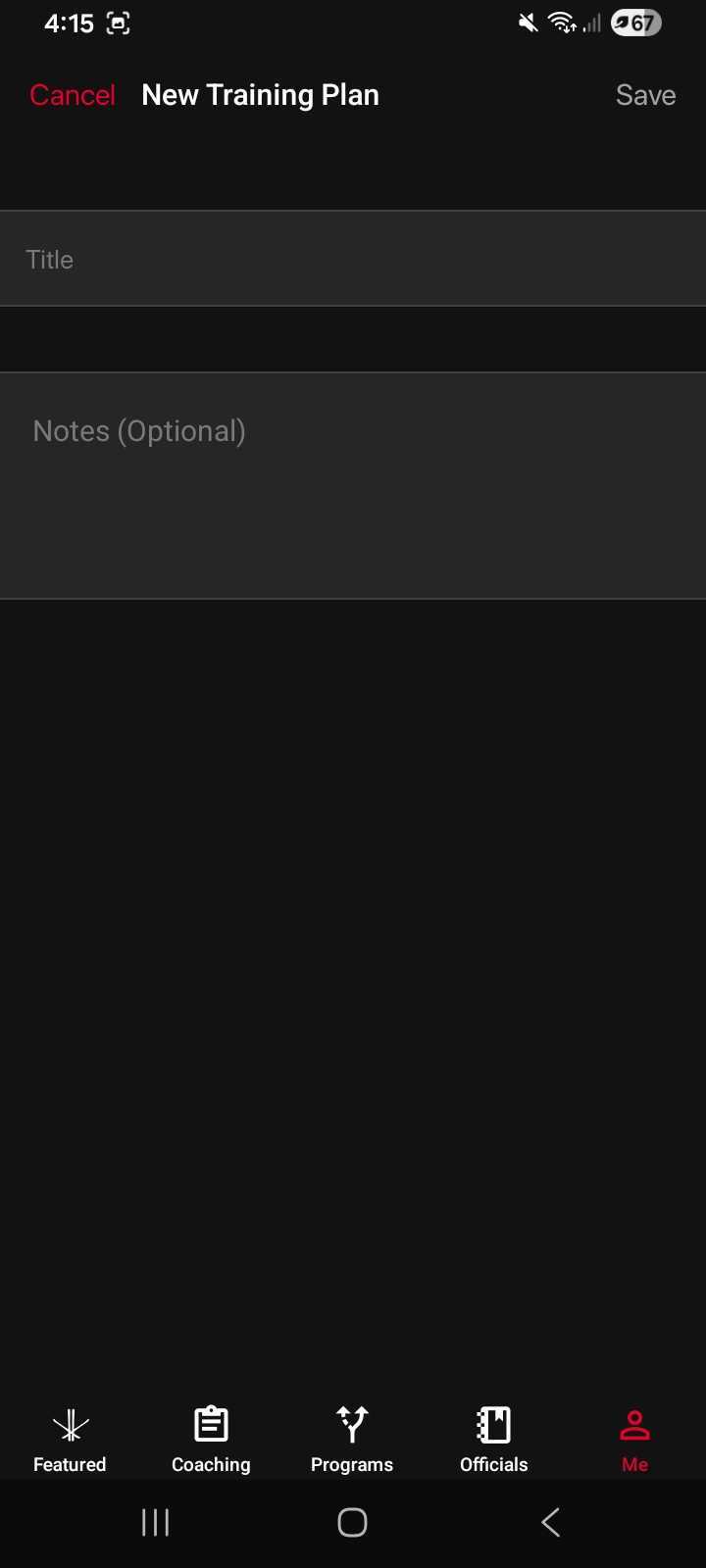
(Optional) Add notes to describe the purpose of the plan.
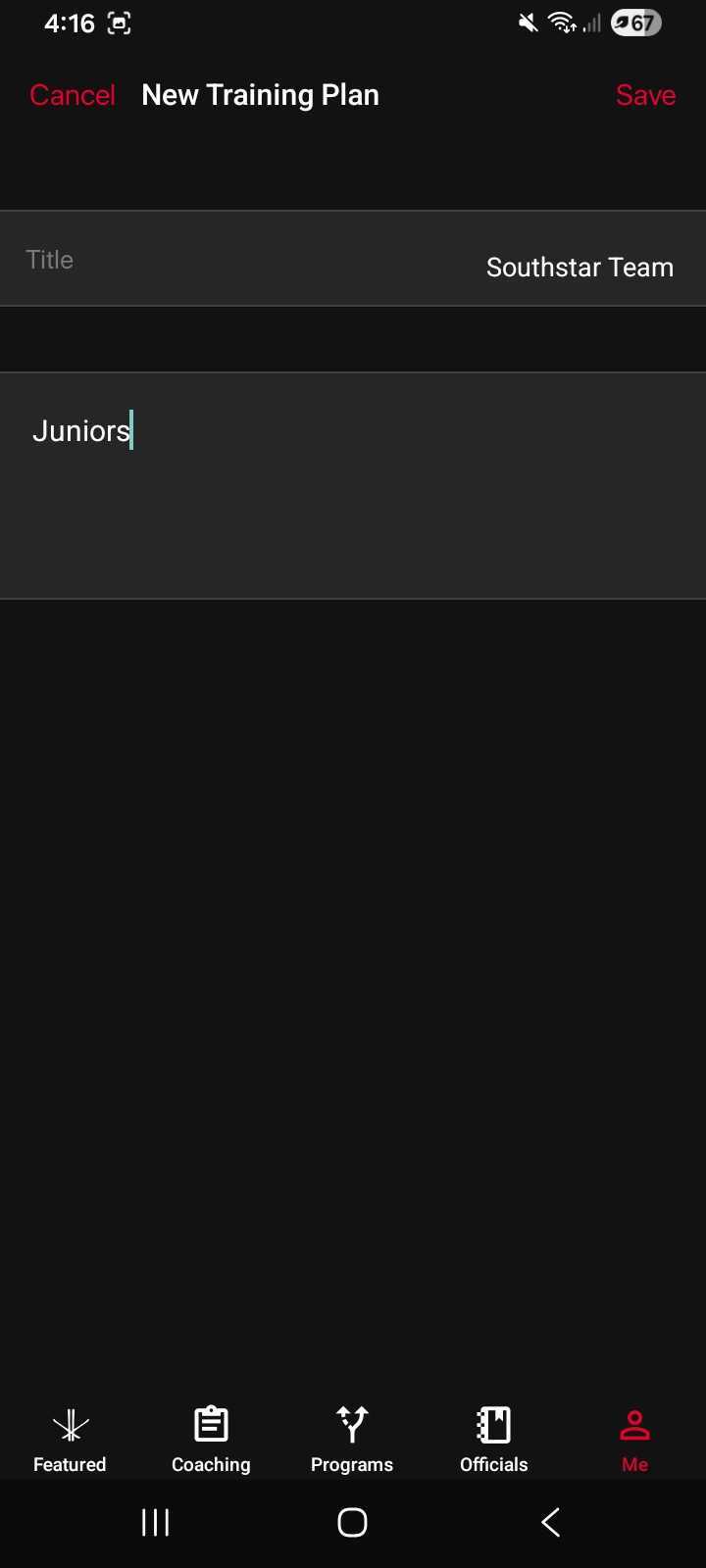
Tap Save.
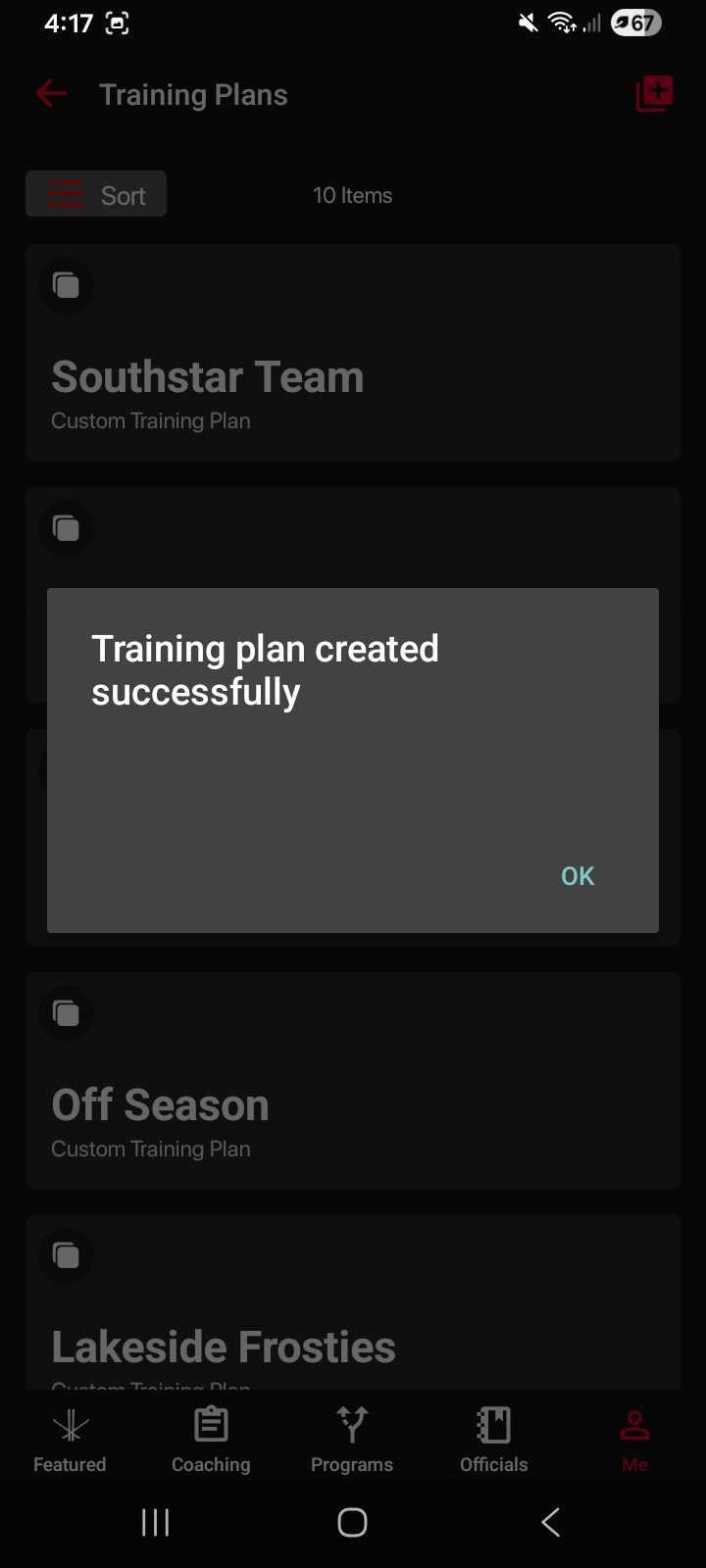
You’ll see a confirmation message once your plan has been created.
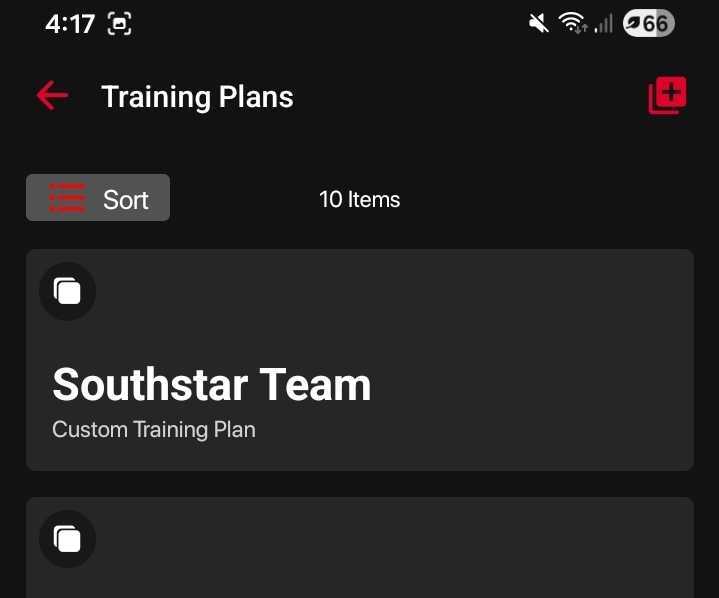
Your new training plan will appear on your Training Plans dashboard, ready for you to start adding content.
Was this article helpful?